
Renewals slip through
Nobody notices a membership ran out until weeks later, and the money is gone.
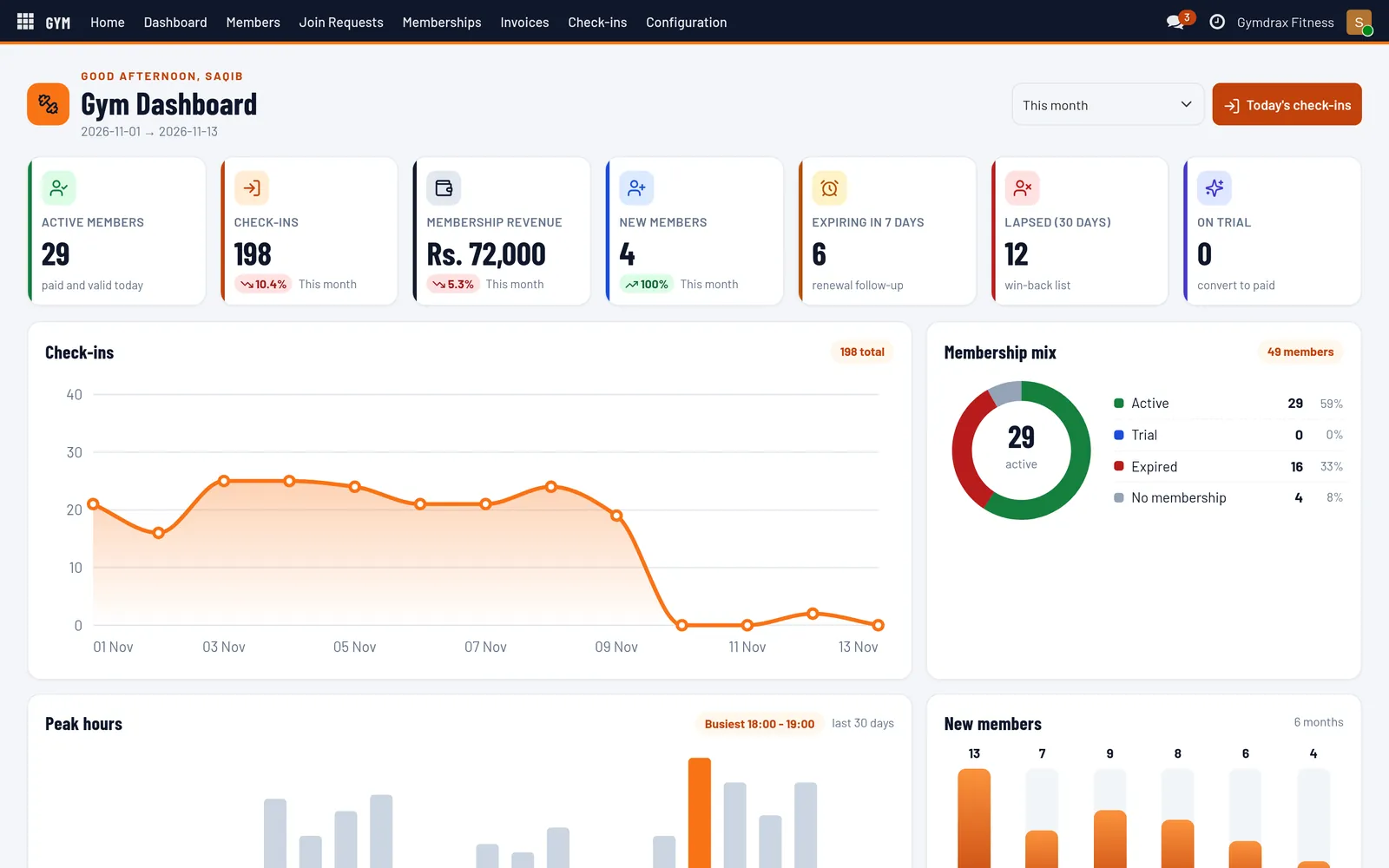
Gymdrax shows who expires this week and lets you WhatsApp them in one tap.
Members, memberships, payments, check-ins and your own gym website, in one simple system. Set up in under a minute.
7-day free trial · No card needed · Cancel anytime
Sound familiar?
Nobody notices a membership ran out until weeks later, and the money is gone.
Gymdrax shows who expires this week and lets you WhatsApp them in one tap.
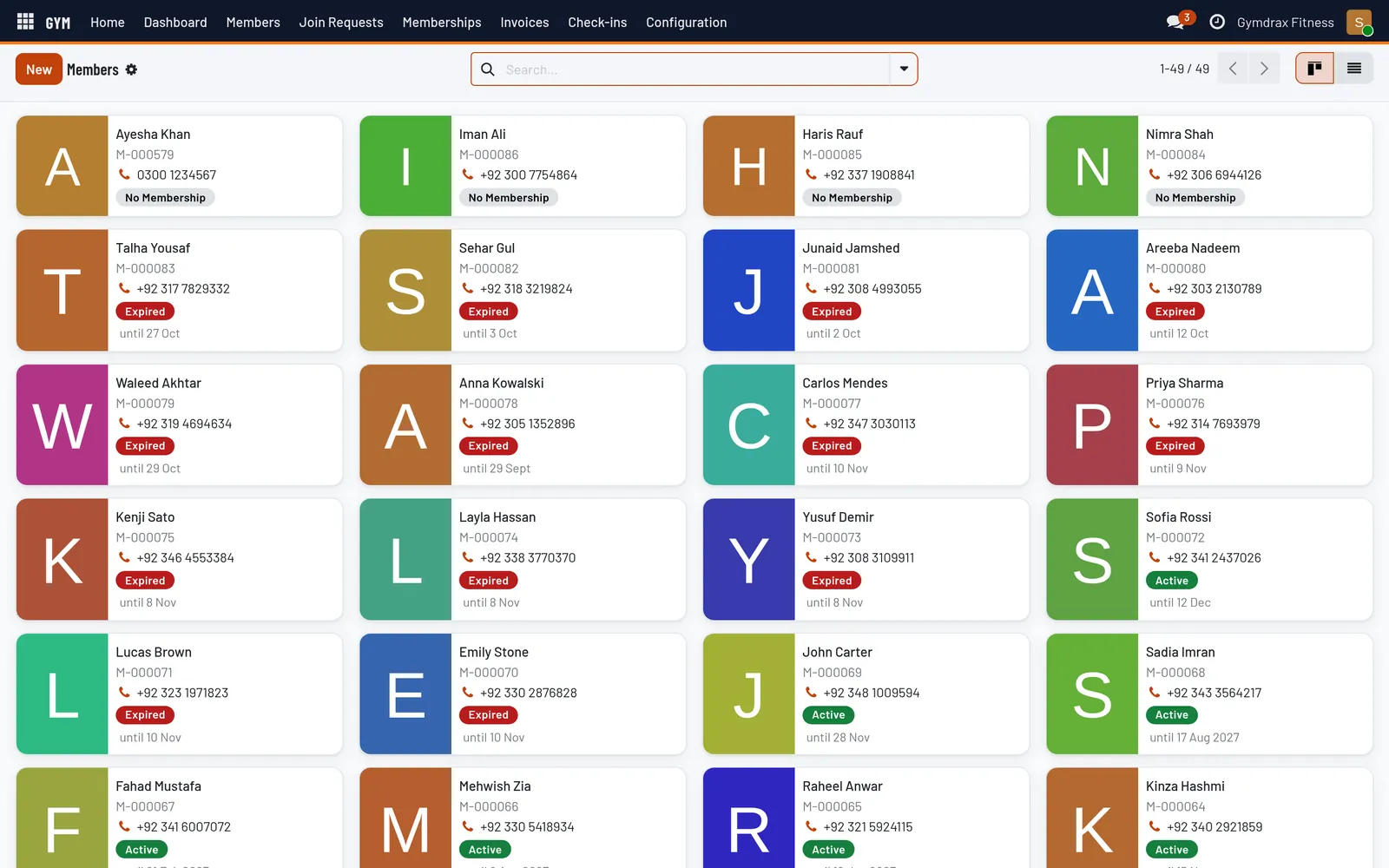
With a busy front desk, expired members train for free.
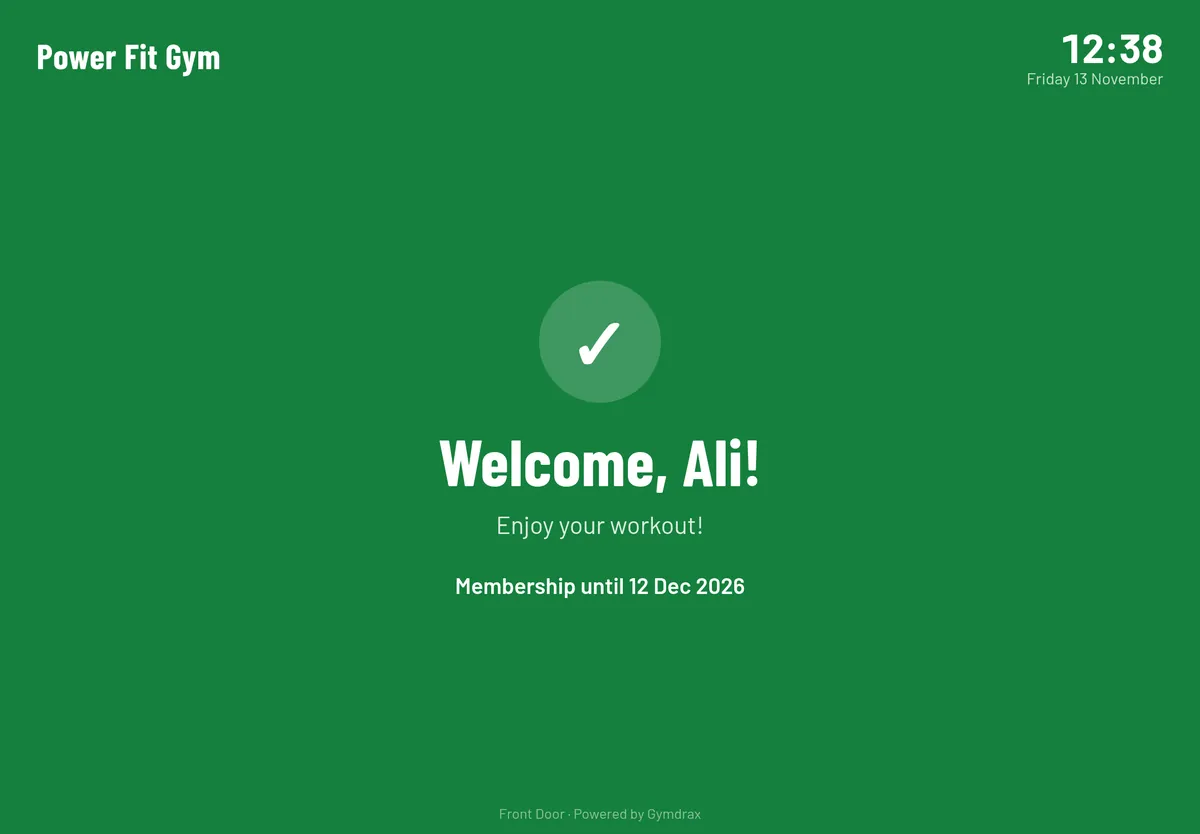
The door kiosk checks every card and sends expired members to the desk.
Cash in a drawer, JazzCash on a phone, bank slips on WhatsApp. Who paid what?
Every payment, any method, lands on the member with a printed receipt.
Everything in one place
From the first visit to every renewal, in one system your staff learn in an afternoon.
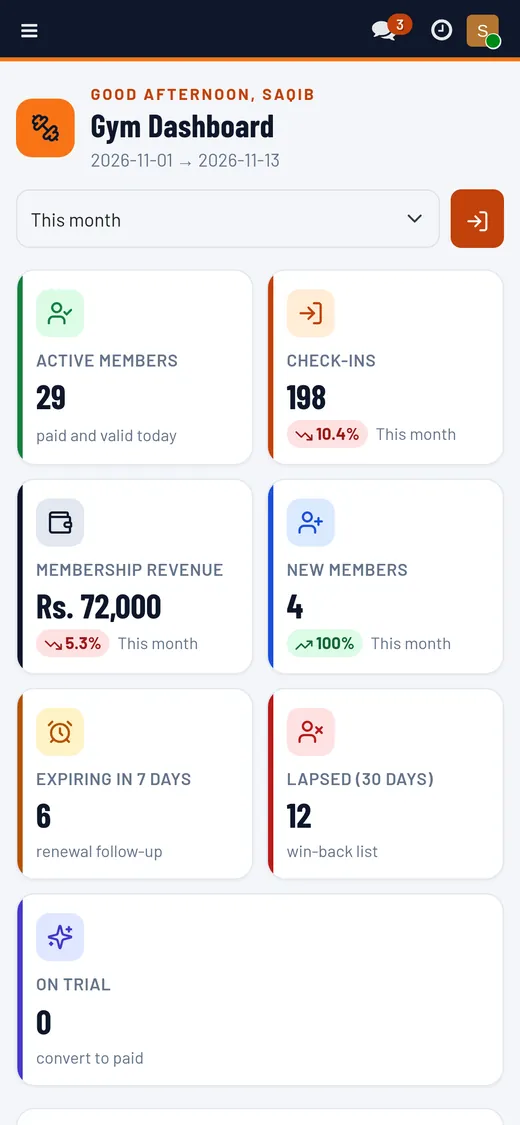
Active members, check-ins, revenue, renewals due and your busiest hours, at a glance.
Members scan their card on a tablet by the door.
Cash, card, JazzCash, Easypaisa or bank transfer; part payments; 80 mm receipts.
Sell a package in two clicks. Renewals and expiry are tracked for you.
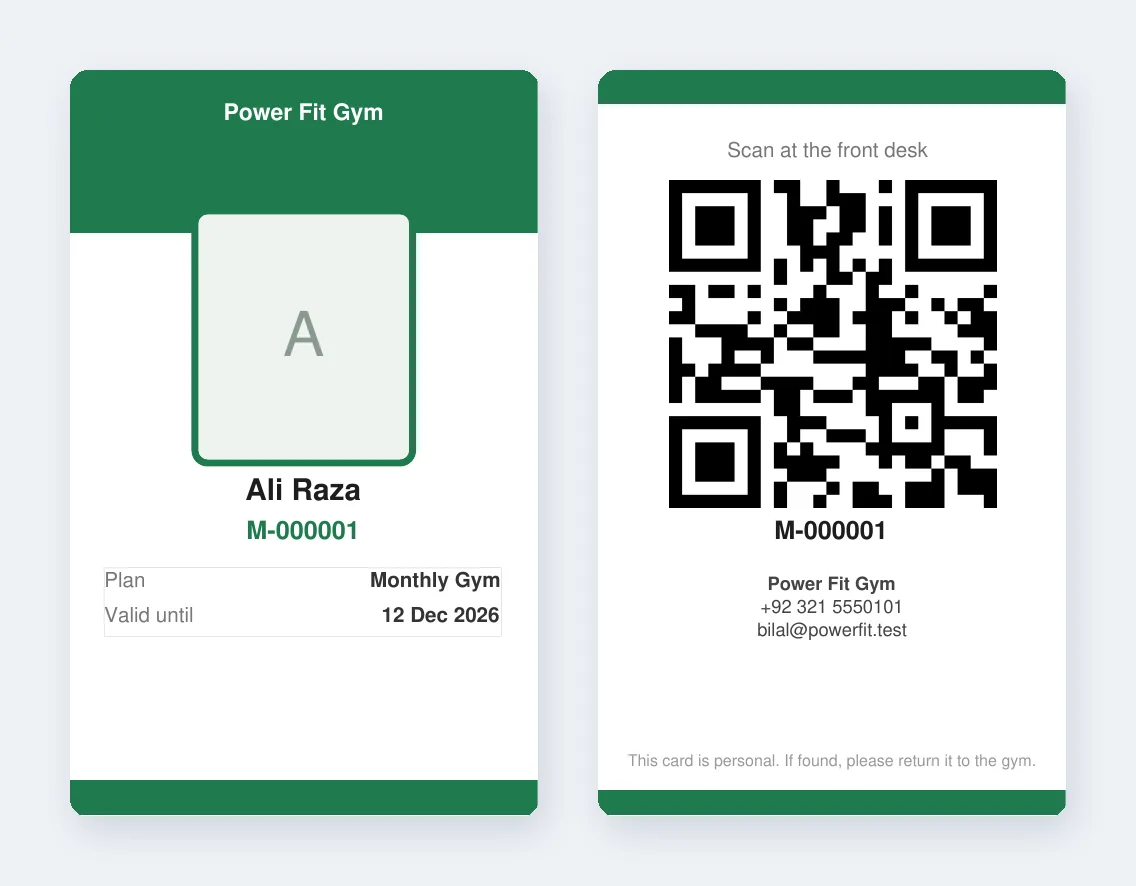
Print a card with a QR code, or send it to the member's phone.
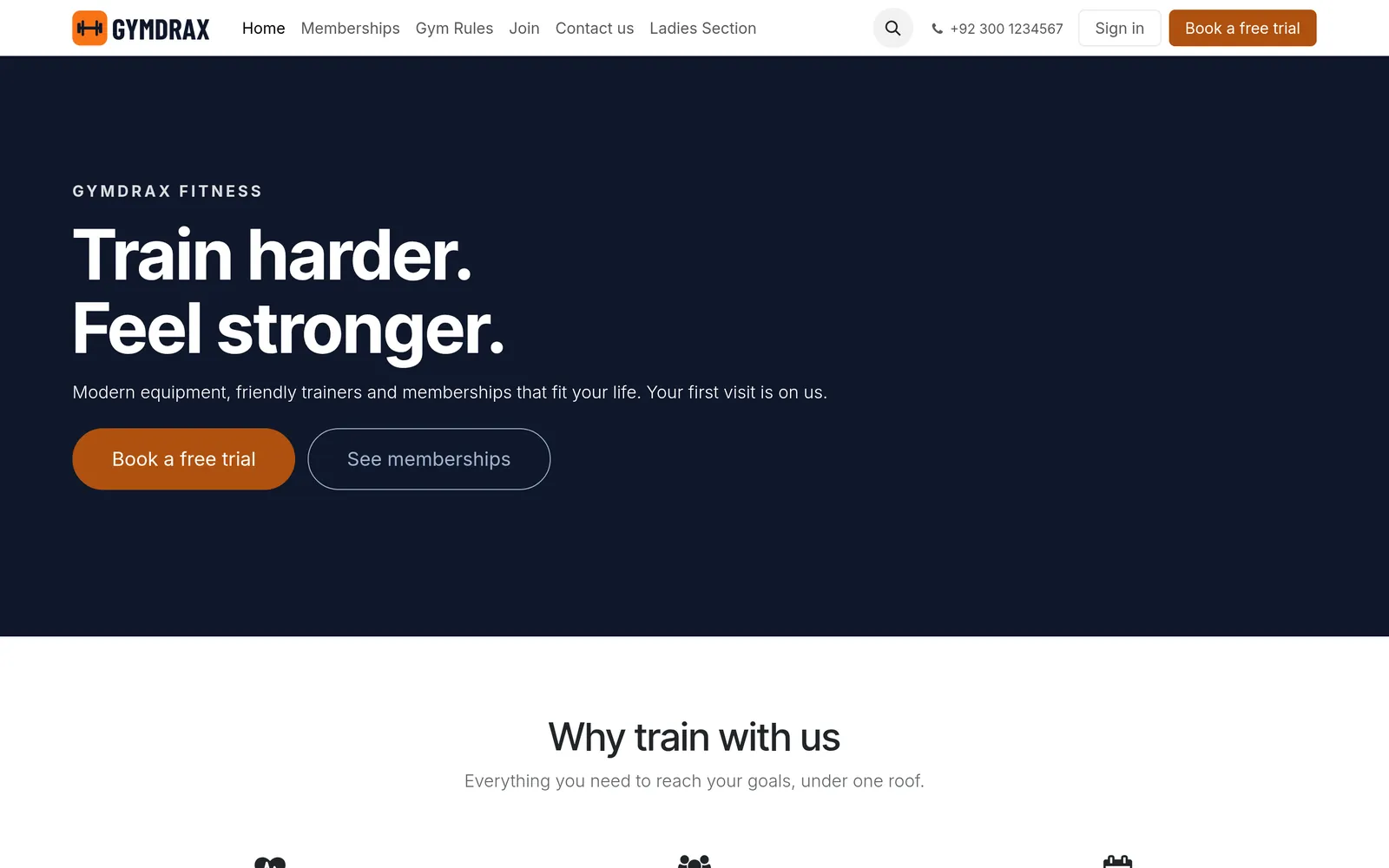
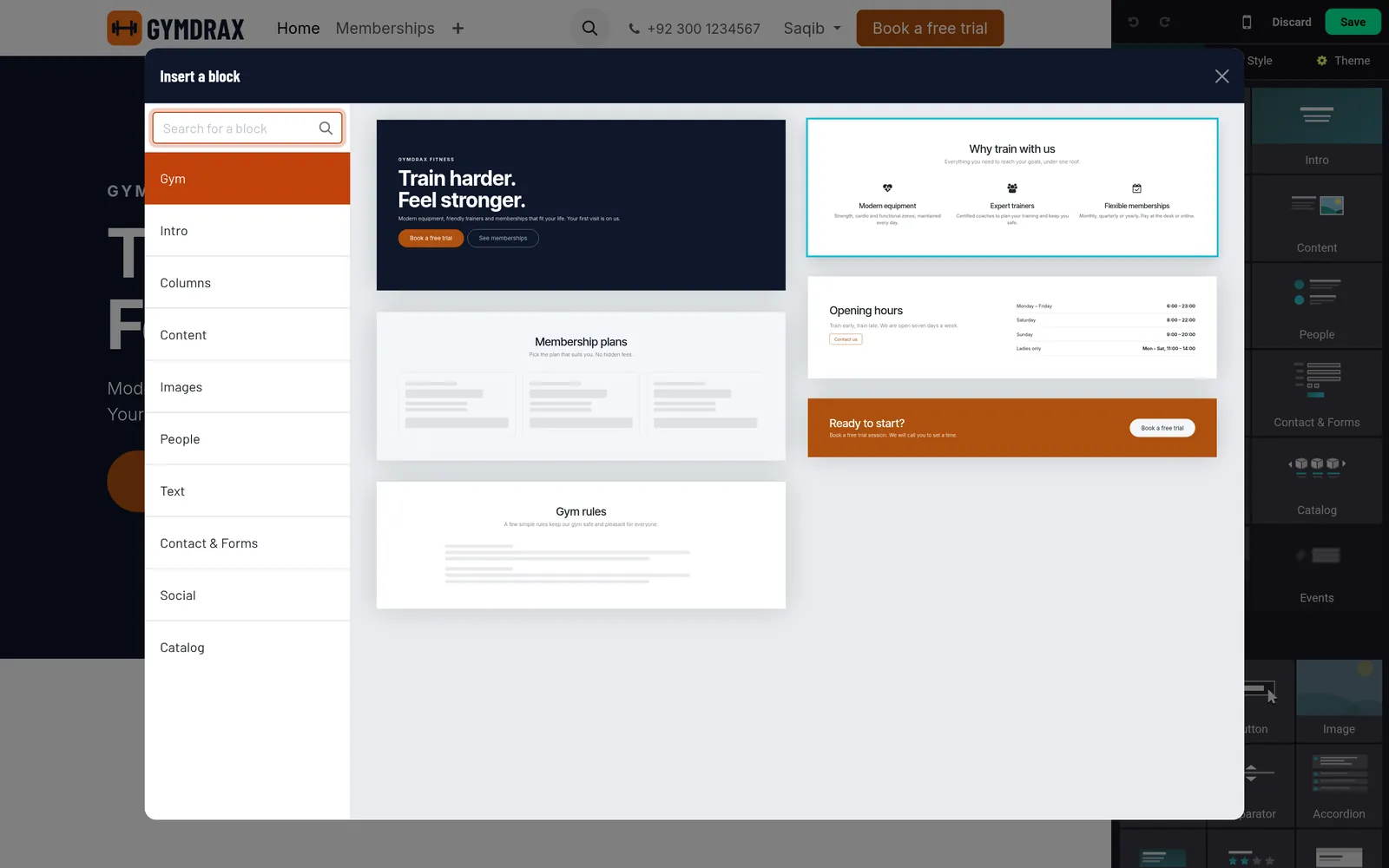
Ready-made, edited with drag and drop. Visitors book a free trial; you get a new lead.
Front desk
Door kiosk
Your gym website
How it works
Pick a plan and your gym's web address. Your private workspace is ready in under a minute.
Monthly, quarterly, yearly or a trial pass, at your prices. They appear on your website too.
Add members (or import them from Excel), print their cards and put a tablet by the door.
Two ways to use Gymdrax
We run everything for you: servers, updates and security. You open your gym's address in a browser and start working.
Already run Odoo 19? Add the Gymdrax gym modules to it and keep everything on your own server.
Pricing
Yes. Every gym gets its own separate database. Only you and the staff you add can sign in to it.
No. Gymdrax works in the browser on any computer, tablet or phone. For the door kiosk, any tablet with a browser will do.
Yes. Import them from an Excel or CSV file, or add them one by one. We can help with the import.
At the front desk by cash, card machine, JazzCash, Easypaisa or bank transfer. Part payments are fine; the rest stays on the member's balance.
Choose a plan and pay online. If you don't, your workspace becomes read-only for a few days so you can still pay. Nothing is deleted.
Yes. Gymdrax works in any country and any currency.
Try Gymdrax free for 7 days. No card needed.